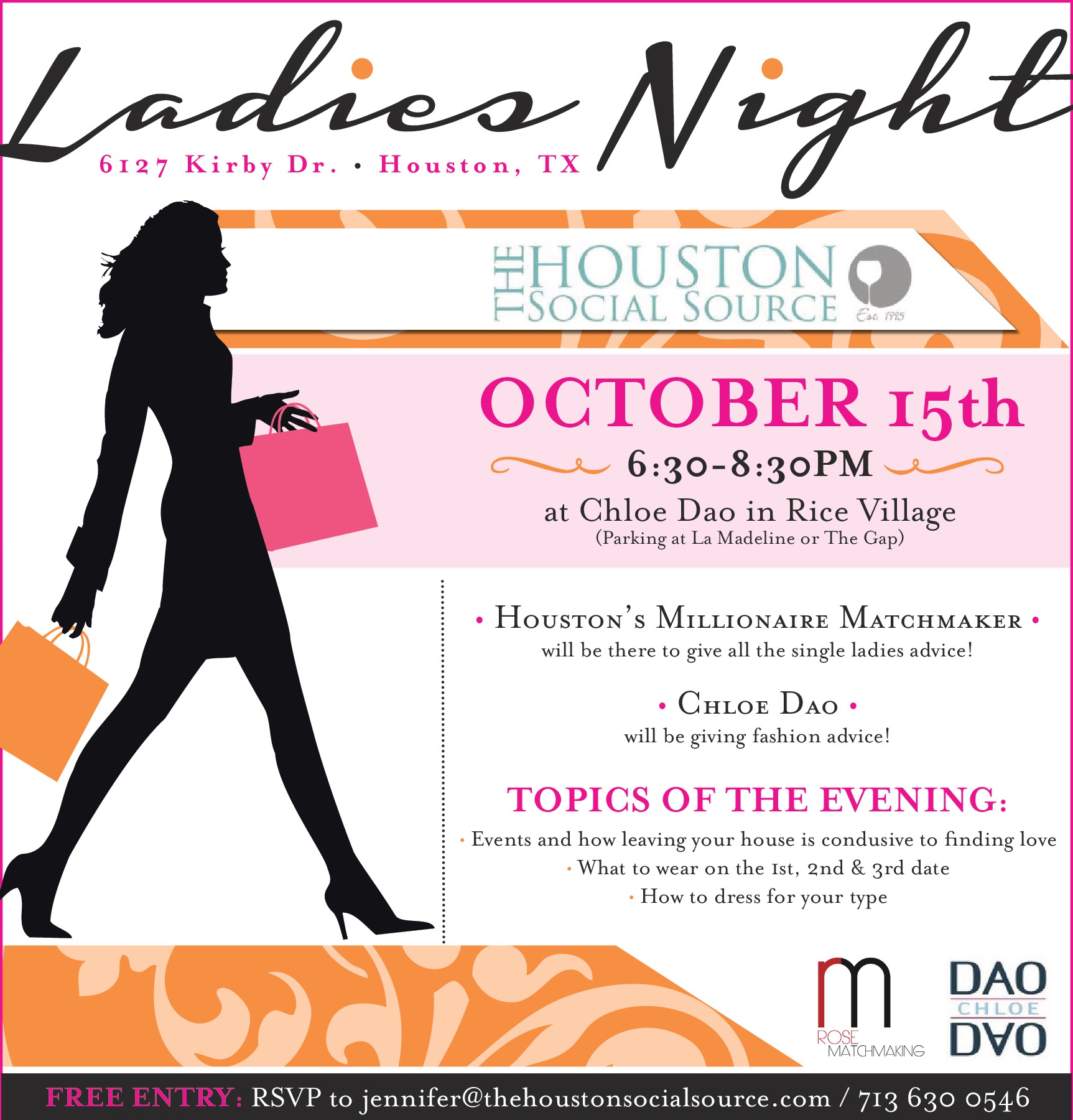
HSS presents Ladies Night at Chloe Dao with Matchm

Event created by EventsCafe
October 15, 2013
HSS presents Ladies Night at Chloe Dao with Matchmaker Jamie Rose
DAO Chloe Dao
6127 Kirby Dr. Houston, TX 77005
6:30 – 8:30PM
Calling all Fashionistas – especially our favorite single gal fashionistas!
The Houston Social Source and Jamie Rose Matchmaking is partnering with Houston’s own Chloe Dao for a night of fashion, fun, and finding looooove. That’s right, we’ll have experts on-hand like Jamie Rose – Houston’s Millionaire Matchmaker – to give you tips on how to navigate the Houston Single Scene. Experts from Chloe Dao will advise on what to wear on your first date, second date, third date… and then there will be a mini-fashion show.
Participants get a special discount that night and we’ll provide light bites and drinks. It’s the perfect way to rev up for the upcoming Holiday season.
6:30 – 8:30, DAO Chloe Dao, 6127 Kirby Dr. Houston, TX 77005. Parking is across the street in the La Madelaine lot or on the surrounding streets.
This event is free so spread the word and bring some friends!
RSVP To [email protected] or
713 630 0546.