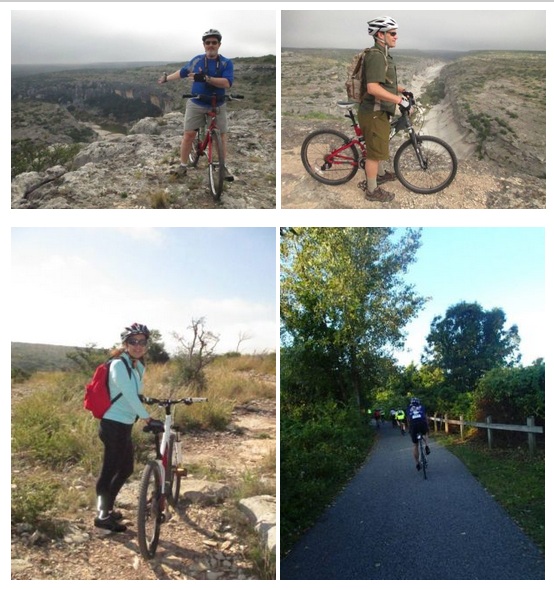
Bayou City Outdoors & REI Present: Biking 101

Event created by EventsCafe
Bayou City Outdoors & REI Present:
Biking 101
March 10, 2014 - 7:00 – 8:15 pm
REI – warehouse in the back of the store
7538 Westheimer
Houston, TX 77063

Houston has it all when you're looking to bike! If you want to cruise, commute, mountain bike or road bike, we'll show you where to go and how to get started. Who needs to drive when Houston has over 80 miles of trails in the parks and 345 miles of street trails! Don’t own a bike yet? No problem, we have B-Cycle, in fact we have one of the largest fleets of bicycle sharing in the county!
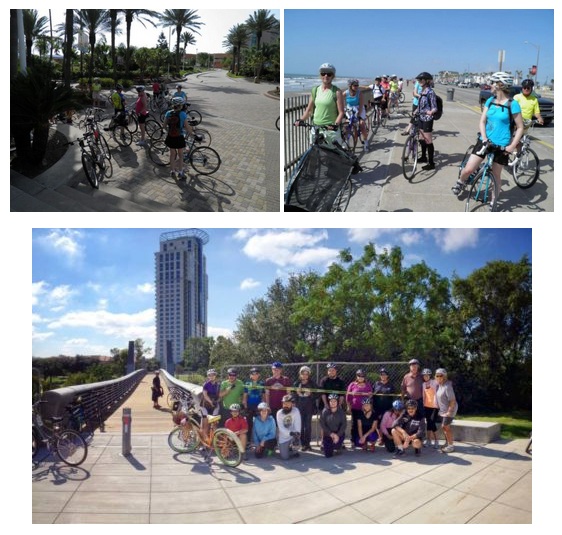
With information on the best routes in Houston and some simple bike maintenance tips, you'll enjoy riding the streets (or the trails) on your bicycle with ease and confidence! We’ll also give you the top 5 things you should check on your bike before every ride to keep you safe and comfy. ?

Once you are ready to roll, we invite you to join us on one of the featured Bayou City Outdoors March biking events – 3/15 Farmer Markets and Bayou Regatta Ride &/or 3/16 Houston Great Graffiti Ride.

Additional info call 713-524-3567 or e-mail to [email protected]