BCO - A Walk in the Woods

Event created by EventsCafe
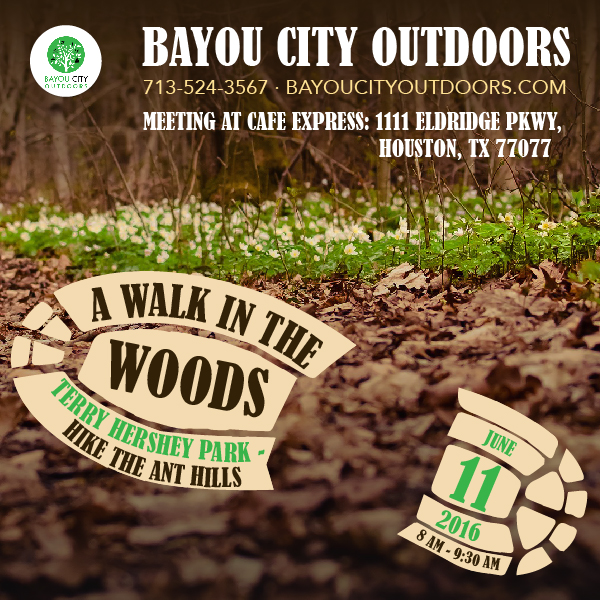
BCO - A Walk in the Woods
aka Hiking Terry Hershey Park Woods
June 11, 2016
Meet at 7:45, start 8 AM to 9:30 AM
Cafe Express
1111 Eldridge Pkwy 77077
The Terry Hershey Park Hike & Bike Trail provides more than 10 miles of trail from Barker Dam (near State Highway 6) to Texas Beltway 8 and the Sam Houston Tollway. The paved walkways are located in the cleared stretch of the park, free of trees, and are about 10 feet in width. The dirt trails, however, cut through the densely grown forest growing along the bayou, and are not easily accessible.
Join us for an hour and a half quick-paced hike through some of the lesser-known (and more adventuresome) trails our park has to offer. Wear tennis shoes or hiking boots, it’s easy to bang a toe on a tree root. And, there’s some "elevation" in the park that you wouldn’t expect from just driving by. Remember to bring water; there are no water fountains along the trails.
After the hike, join a group of us for brunch and coffee.
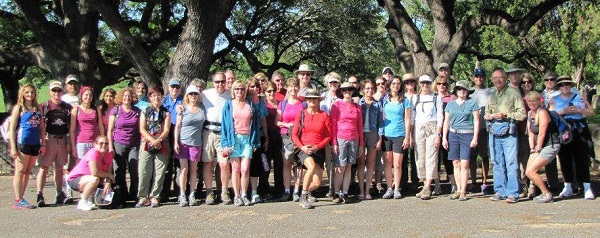
Look for the group gathered at Cafe Express. There will be white and green Bayou City Outdoor signs with the group and on the vehicle.
Event details: http://www.BayouCityOutdoors.com Additional info call 713-524-3567 or e-mail: [email protected]